Creating a home office that balances productivity and comfort is essential for anyone working remotely or spending significant time at home. A well-designed workspace can improve focus, reduce stress, and help maintain a healthy work-life balance. Whether you have a dedicated room or just a small corner, simple adjustments can make a big difference. Here are some tips to help you create a home office environment that works for you.
Choose the Right Location
Find a Quiet Spot
Select a space in your home where you can limit distractions and background noise. This might be a spare room, a corner in your bedroom, or a section of your living room. The quieter the environment, the easier it will be to concentrate.
Consider Natural Light
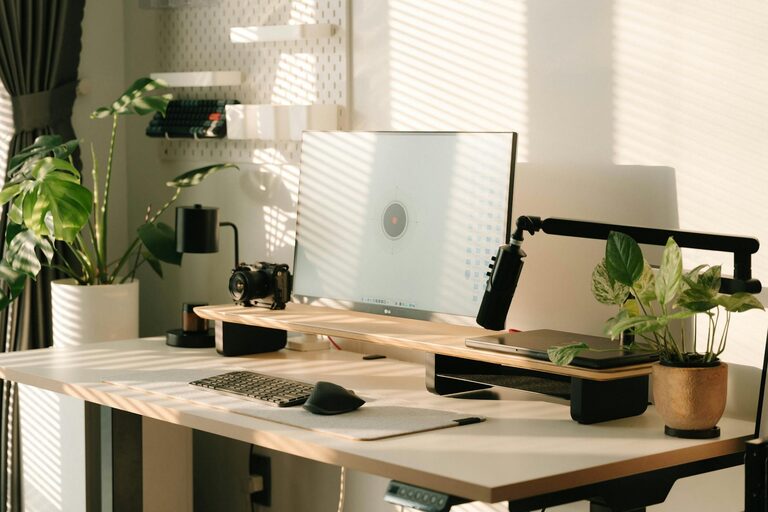
Try to set up your desk near a window. Natural light helps reduce eye strain and boosts mood. If that’s not possible, invest in good artificial lighting that mimics daylight, such as LED desk lamps with adjustable brightness.
Invest in Comfortable Furniture
Ergonomic Chair
A supportive, ergonomic chair is key to comfort during long work hours. Look for adjustable height, lumbar support, and comfortable cushioning to prevent back pain and promote good posture.
Sturdy Desk
Your desk should be at a height that allows your forearms to rest comfortably while typing, with enough space for your computer, mouse, and other essentials. If space allows, consider a sit-stand desk to alternate between sitting and standing.
Organize Your Workspace
Declutter Regularly
Keep only the items you use daily on your desk. Store documents, supplies, and gadgets in drawers or shelves to maintain a neat and efficient environment.
Use Storage Solutions
Desk organizers, file holders, and cable management tools help keep your workspace tidy and prevent distractions caused by clutter.
Personalize with Purpose
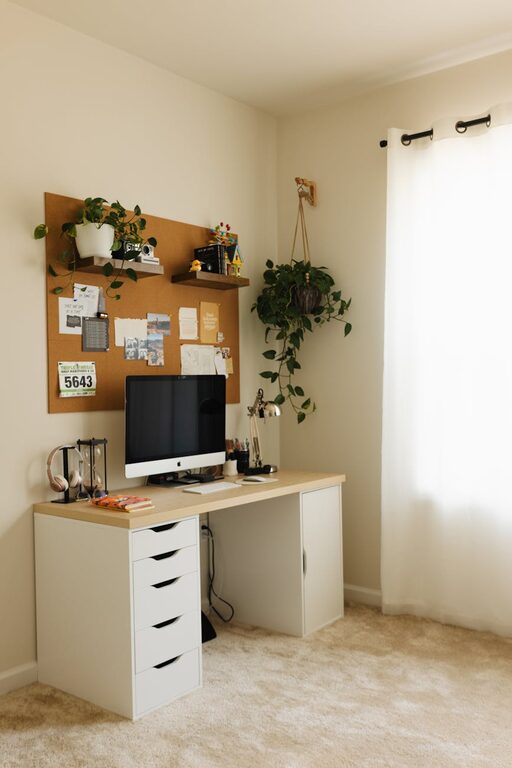
Add a few personal touches like photos, plants, or artwork but avoid overloading your space, which can be distracting.
Optimize Technology Setup
Reliable Internet Connection
Ensure your internet speed is fast enough for video calls, file transfers, and online collaboration. Consider upgrading your router or using a wired connection if Wi-Fi is unstable.
Quality Equipment
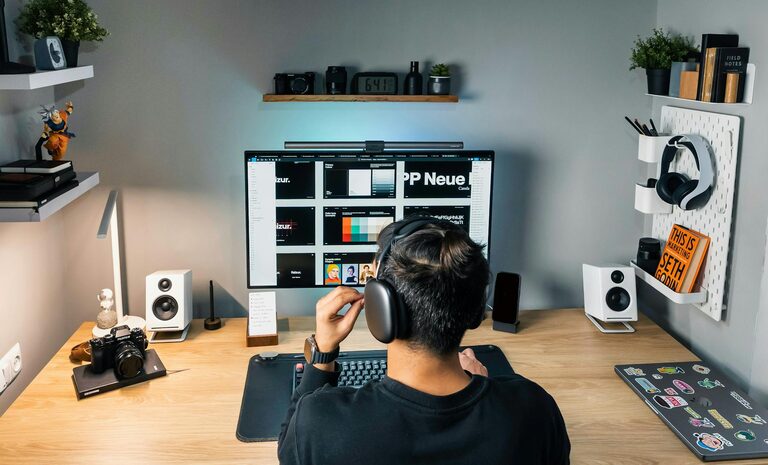
Invest in a good-quality monitor, keyboard, and mouse that suit your workflow. Having multiple screens can improve multitasking, if your work demands it.
Minimize Digital Noise
Close unnecessary tabs and apps while working. Use tools like do-not-disturb modes to prevent notifications from interrupting your focus.
Focus on Ergonomics and Health
Monitor Position
Place your monitor at eye level roughly an arm’s length away to reduce neck and eye strain.
Keyboard and Mouse Placement
Keep your keyboard and mouse close enough to avoid stretching and keep your wrists in a neutral position.
Take Regular Breaks
Follow the 20-20-20 rule: every 20 minutes, look at something 20 feet away for 20 seconds. Stand up, stretch, and move around every hour to promote circulation and reduce fatigue.
Manage Lighting and Ambience
Avoid Glare
Position your screen to avoid glare from windows or overhead lights. Use curtains or blinds to control natural light if needed.
Use Task Lighting
A focused desk lamp can provide additional lighting for reading or detailed tasks without lighting up the whole room.
Keep the Temperature Comfortable
Ensure your home office is neither too hot nor too cold. Use fans, heaters, or open windows to maintain a comfortable atmosphere.
Create Boundaries and Routines
Establish Work Hours
Set clear start and end times for your workday. This helps separate work from personal time and reduces burnout.
Limit Distractions
Inform family or housemates of your work schedule. Use noise-canceling headphones if necessary.
Designate a “Work-Only” Zone
Try to confine work activities to your home office space. Avoid working from your bed or couch to help your brain associate this area with productivity.
Incorporate Greenery and Personal Wellbeing
Add Plants
Indoor plants can improve air quality and add a calming touch to your work environment.
Keep Water and Healthy Snacks Nearby
Staying hydrated and having nutritious snacks available supports focus and energy throughout the day.
Practice Mindfulness
Incorporate quick mindfulness or breathing exercises during breaks to reduce stress and maintain mental clarity.
—
Creating a productive and comfortable home office doesn’t require a major overhaul. Small improvements in how you set up your space, arrange your furniture, and manage your schedule can greatly enhance your work experience. Remember, the goal is to build an environment that supports your individual needs while helping you stay focused and comfortable throughout your workday.